
Free for fourteen days with everything unlocked. After that one purchase of $14.99, once, and it is yours. No subscription and nothing else to buy.
Minimalist phone · iPhone · Android
Dumb phone. Same phone.
You want the quiet of a minimalist phone without buying a second number, a brick, or a whole new life. We put the entire dumb phone inside your smart phone.
1bit is a black and white world on the phone you already have. Music, podcasts, maps, camera, notes, games. The essentials. Gloriously retro. On purpose.
Free for fourteen days. Then $14.99, once.
- iOS 18 or later
- Android 10 or later
- No account
- No subscription
- Two colours
The film
See it move
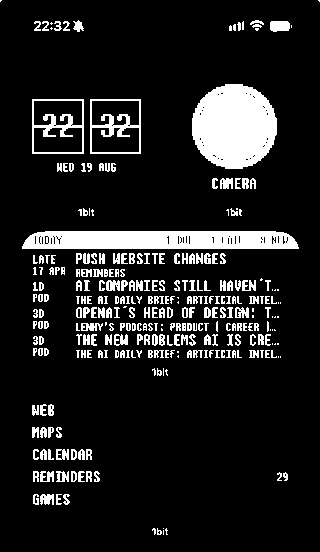
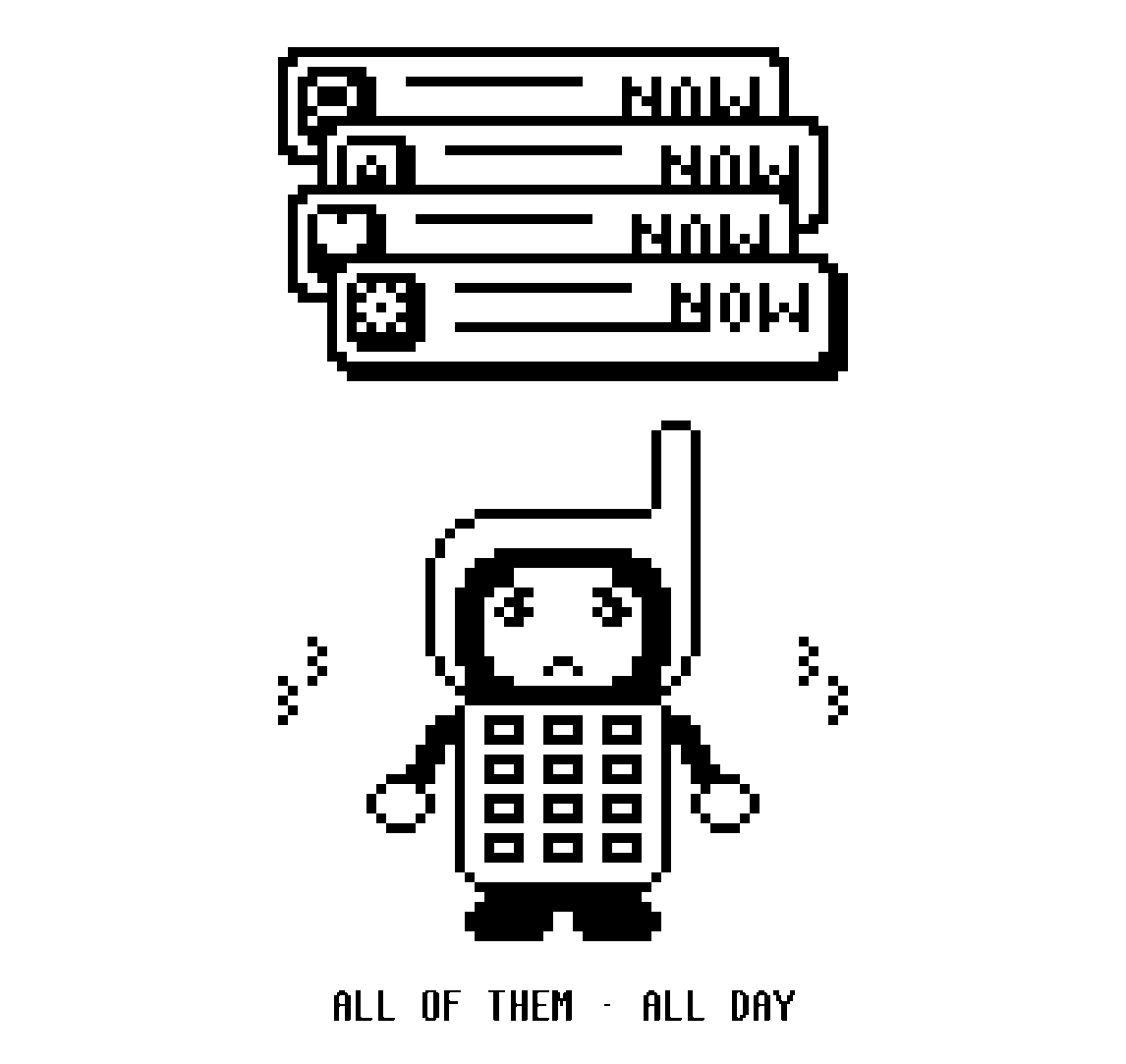
A short film of 1bit on an iPhone. A pile of notifications gives way to the 1bit launcher, then the music player with its wheel, the drawn map, the camera, podcasts, snake, the pixel faces and clocks, and the launcher widget on a black home screen. It ends on BIT, the app's mascot: keep the iPhone, lose the chaos.
Every screen in it is the app, recorded on a phone.
The move
Keep the iPhone. Lose the chaos.
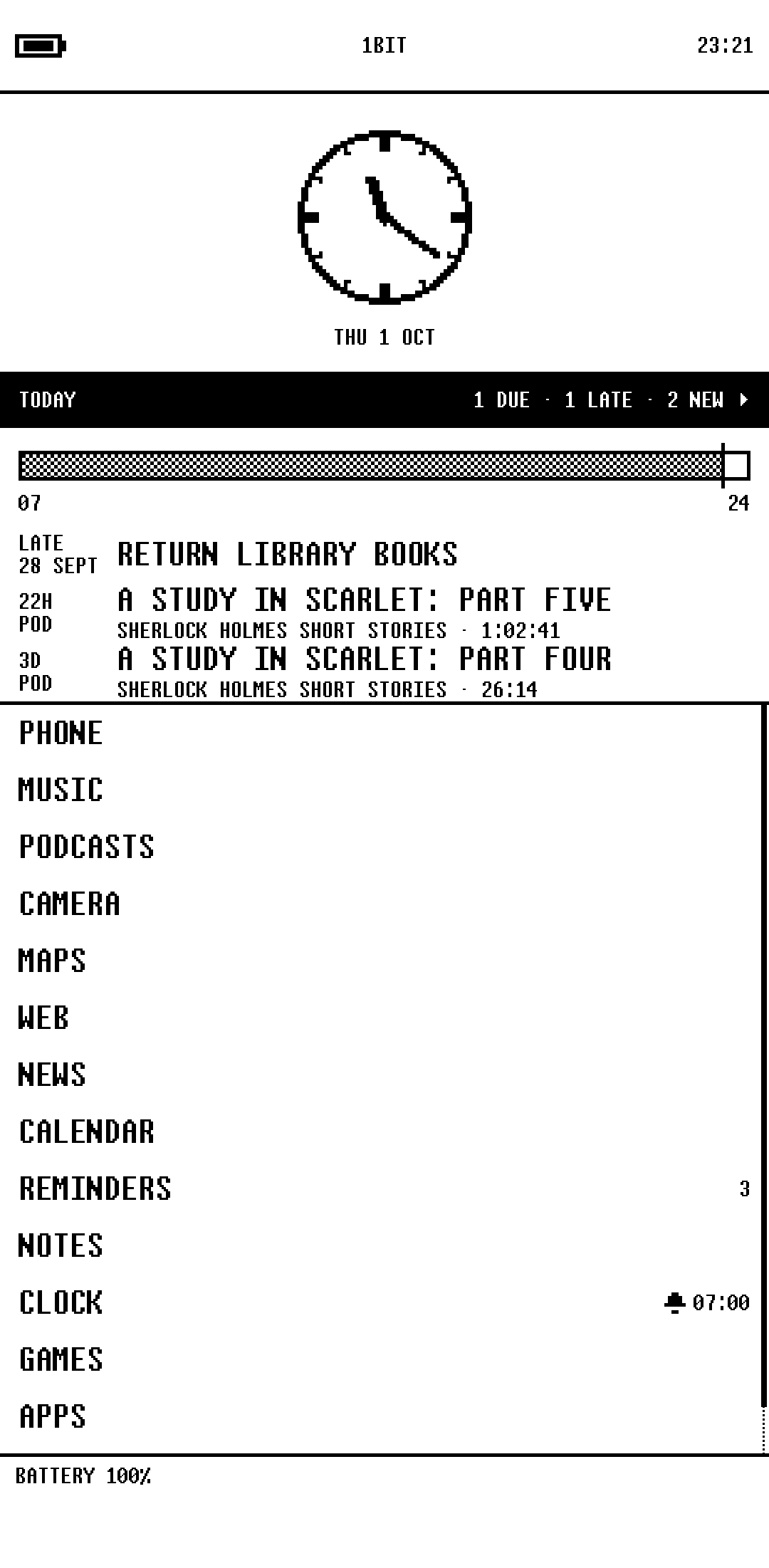
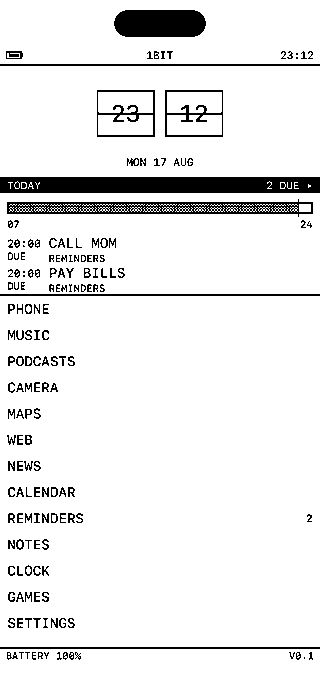
Put the launcher widget on a black background and hide all the other home screen pages. Next time you unlock, it feels like a different phone. Setup takes about ten minutes.
Instagram is still there if you need it. Just not staring at you whenever you check the time.
Music
Click wheel. 2004.
Your own files, FLAC included, or the library already on the phone, under a wheel you can run by feel.
When the album ends, it stops. Nothing queues up the next hit.
Music in the manual ▸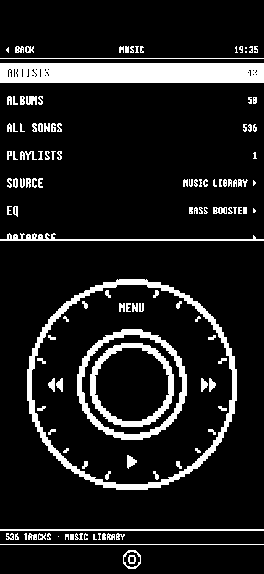
Podcasts
Your shows. Then silence.
Search, subscribe, download, sleep timer. Plain RSS, the shows you asked for, and nothing recommended.
Downloads keep going with the app closed, and where you left off follows you.
Podcasts in the manual ▸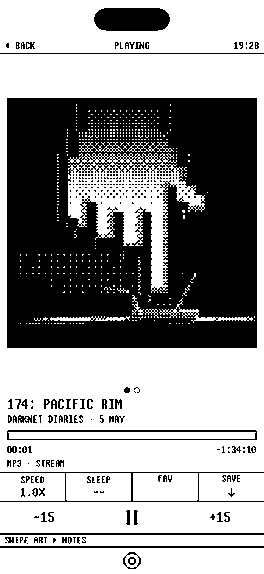
Camera
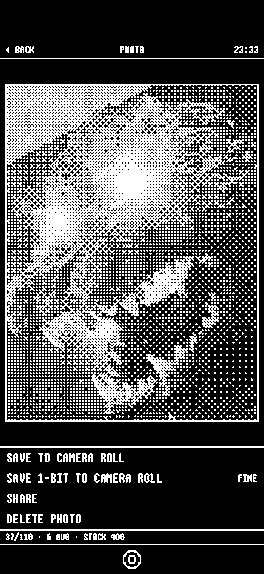
Shot in pixels.
The viewfinder is already black and white, so you frame the picture you are going to get. Friends come back looking like a memory.
Camera in the manual ▸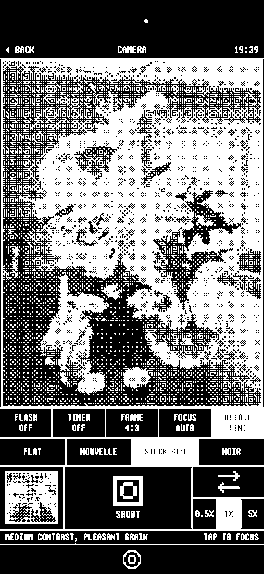
Maps
Maps, but make it ink.
A map drawn in pixels, with your pins on it. Enough to get there, and nothing to scroll.
Turn by turn hands off to Apple Maps.
Maps in the manual ▸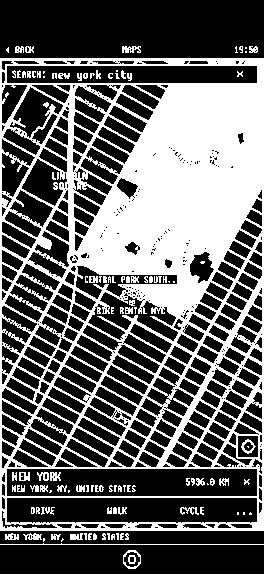
Games
Snake. Keypad. Go.
Klondike, minesweeper, and snake on a drawn keypad. No leaderboards, no accounts, no ads.
Back seat of a long drive energy.
Games in the manual ▸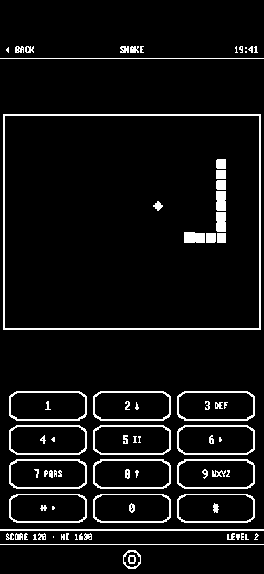
Android
Press home. It is 1bit.
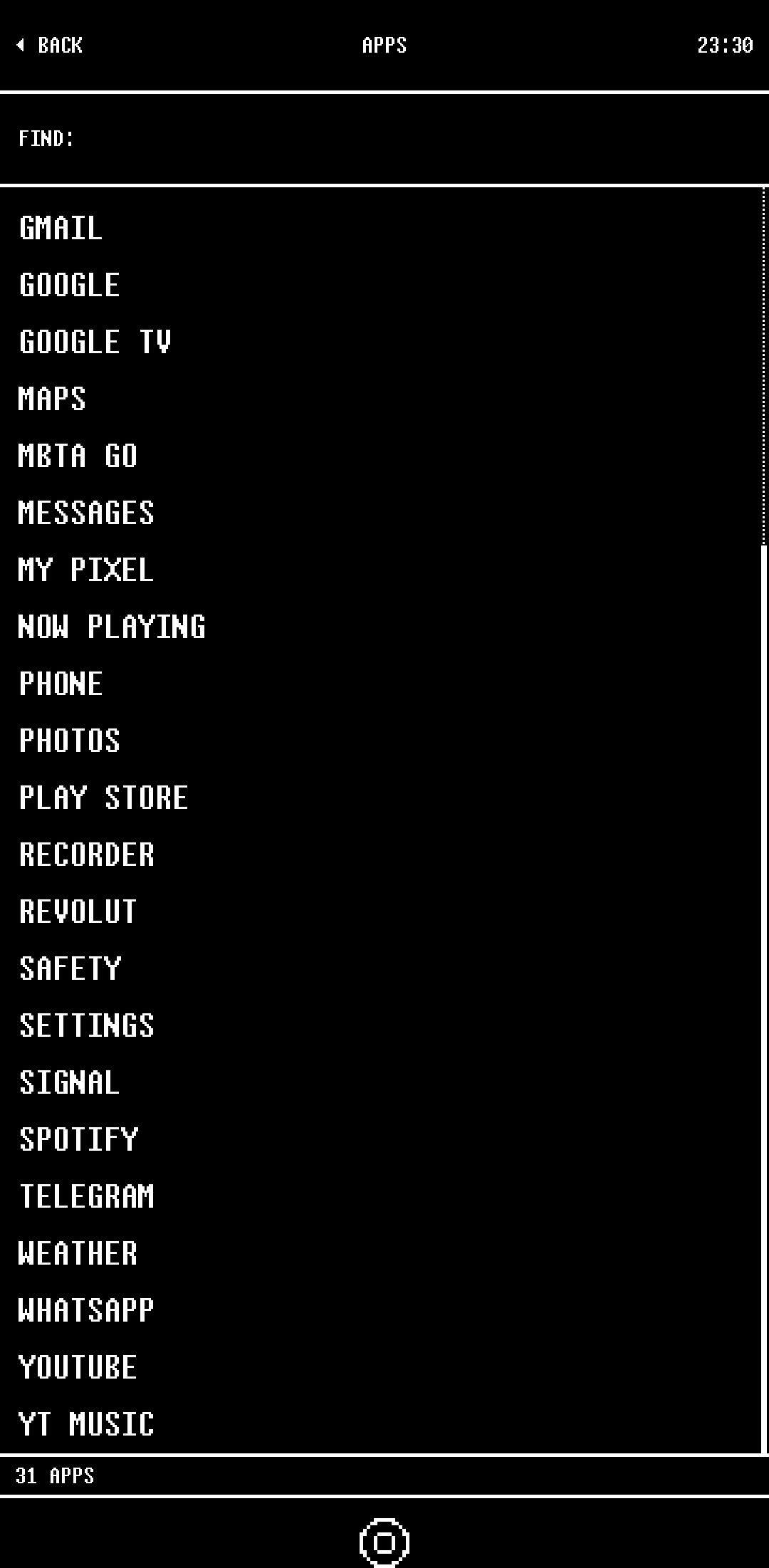
On Android, 1bit can be the home screen itself. No widget standing in for it, and nothing behind it.
Your other apps are one row away, in the same plain type. One switch puts the phone back the way it was.
The list
What is in here
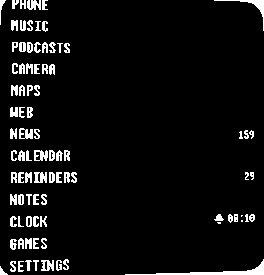
The essentials, with no algorithm queuing up the next hit of dopamine. Tap a row to read about it.
- PhoneContacts▸
- MusicFLAC▸
- PodcastsRSS▸
- CameraCrushed▸
- MapsDrawn▸
- WebNo tabs▸
- NewsFeeds▸
- CalendarReal▸
- RemindersReal▸
- NotesPlain text▸
- ClockAlarms▸
- GamesThe shelf▸
- SettingsSwitches▸
Hate a row? Switch it off. The widget follows.
Ten minutes
Set the phone up
The guide is built into the app, one step at a time, and you can stop after any of them. The short version is three moves.
-
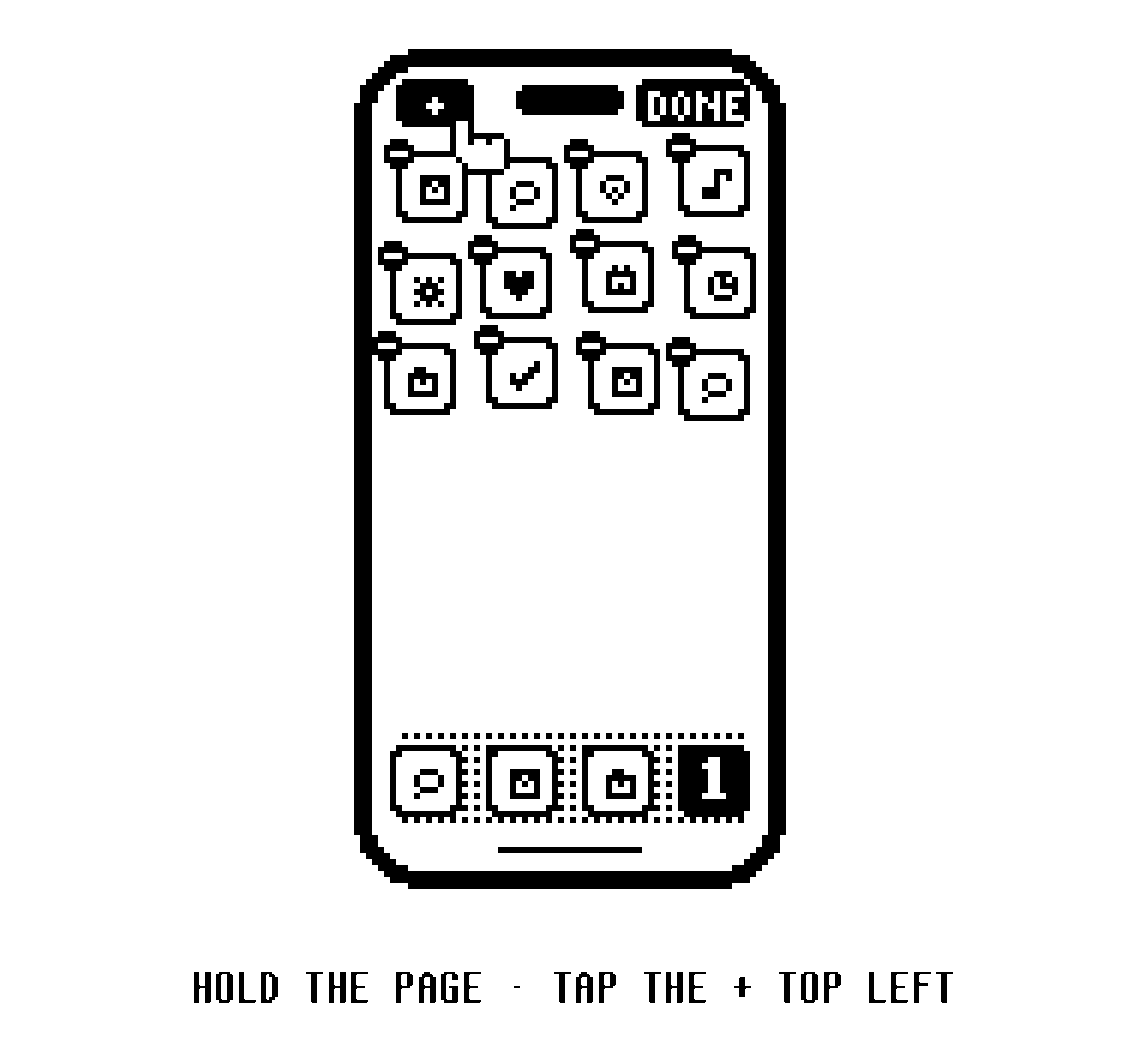
1Put the launcher widget on your home screen and leave one page.
-
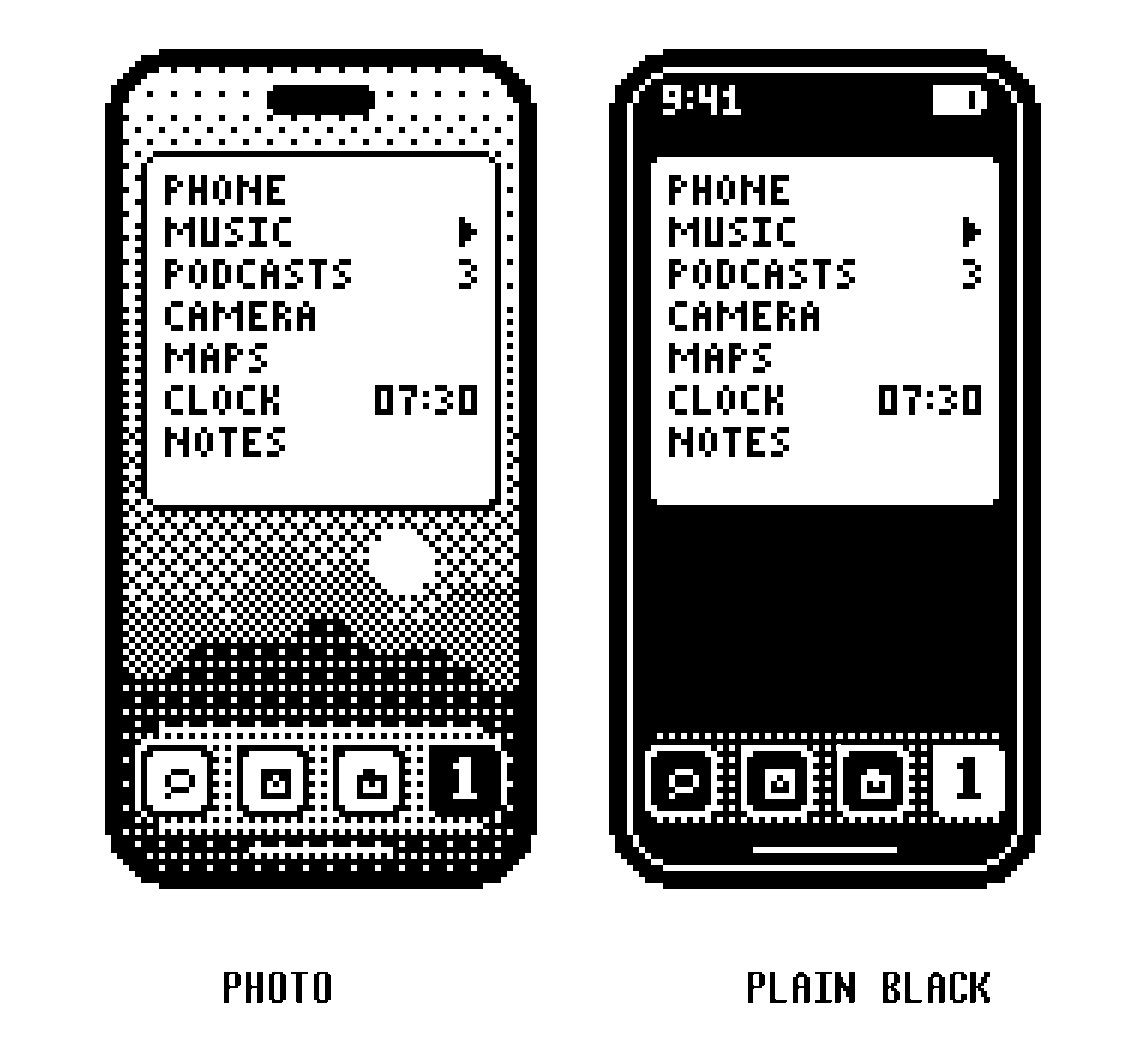
2Black wallpaper. Grayscale if you want the rest of the phone to match.
-
3A Focus that only lets your favourites through.
Yours
What stays yours
- No account, no server of ours, no analytics, no third party SDKs.
- Sync rides your own iCloud, switchable line by line.
- Everything works with sync switched off.
- Your calendars, reminders and contacts are the real ones. Nothing gets copied.
Questions
Real questions
Wait, can an app actually replace the home screen?
Nope. iOS will not let anybody replace SpringBoard.
What you can do is put 1bit's launcher widget on a black page, ditch the other pages, and unlock to a list of words. About ten minutes. Your other apps are still in the App Library if you need them.
So how do I get the dumb phone setup?
Install 1bit, drop the launcher widget on your home screen, leave one page. Black wallpaper. Grayscale if you want the whole phone to match. A Focus that only lets favourites through.
Camera, maps, alarms, podcasts, music: they live in here. The Manual has the steps.
Do I lose my photos, calendar, or messages?
No. Nothing gets moved and nothing gets deleted.
Calendars, reminders and contacts are the real ones. Photos stay in Photos. Messages stay in Messages.
Can I still open Instagram when I need it?
Yes. Everything stays installed. Setup just takes the noise off the page you stare at all day. One swipe to the App Library and you are back in colour chaos.
Why is it black and white?
Colour is how a screen begs for your attention. Two colours ask for less, and they look incredible.
Every shade is a pattern of black and white pixels. Built that way from the first sketch, not a filter slapped on later.
Is there a feed in it?
Podcasts you subscribed to. Articles from sites you picked. Nothing else gets in, and you reach the end of it.
Nothing recommends the next thing. Nothing autoplays while you are putting on a jacket.
Does Spotify work?
Not in here. 1bit plays music you own: files over USB or AirDrop, FLAC included, plus the library already on your phone.
If your whole life is streaming, this music player is not for you yet.
Which iPhones?
Any iPhone on iOS 18 or later.
On iOS 26 alarms are real system alarms (they ring through Silent and Focus). Below that they are notifications, quiet on Silent. The rest of the app is the same.
Is there an Android version?
Yes, with every section, on Android 10 or later. It is on Google Play.
On Android 1bit can also be your home screen: press home and the list is there, with your other apps one row away. You can give the home screen back from inside the app at any time, and nothing in 1bit locks that away, even after the trial.
Are you tracking me?
No. No account, no server of ours, no analytics, no creepy SDKs.
Sync, if you turn it on, goes through your own iCloud, or your own Google Drive on Android.
How much?
$14.99, once. Free for fourteen days first, with everything unlocked, so you can live with it before you decide.
No subscription, no account, and nothing else to buy. It is on the App Store now.
Try me for fourteen days. Everything is unlocked.
The price
Get it
Free trial, then one purchase
What you need
| Thing | The answer |
|---|---|
| Device | Any iPhone, or an Android phone. No iPad, no Mac. |
| iOS | 18 or later. |
| Android | 10 or later. On Android 1bit can also be your home screen, and you can switch back from inside it. |
| Alarms | On iOS 26 they are real system alarms and ring through Silent. Below 26 they are notifications, quiet on Silent. On Android they are alarms and ring through silent. |
| Music | Nothing. Drag files in, or play the library already on the phone. |
| Account | None. Sync, if you want it, rides your own iCloud, or your own Google Drive on Android. |